 Workora
 English
 العربية
 Français
 Русский
 Türkçe
Overview#
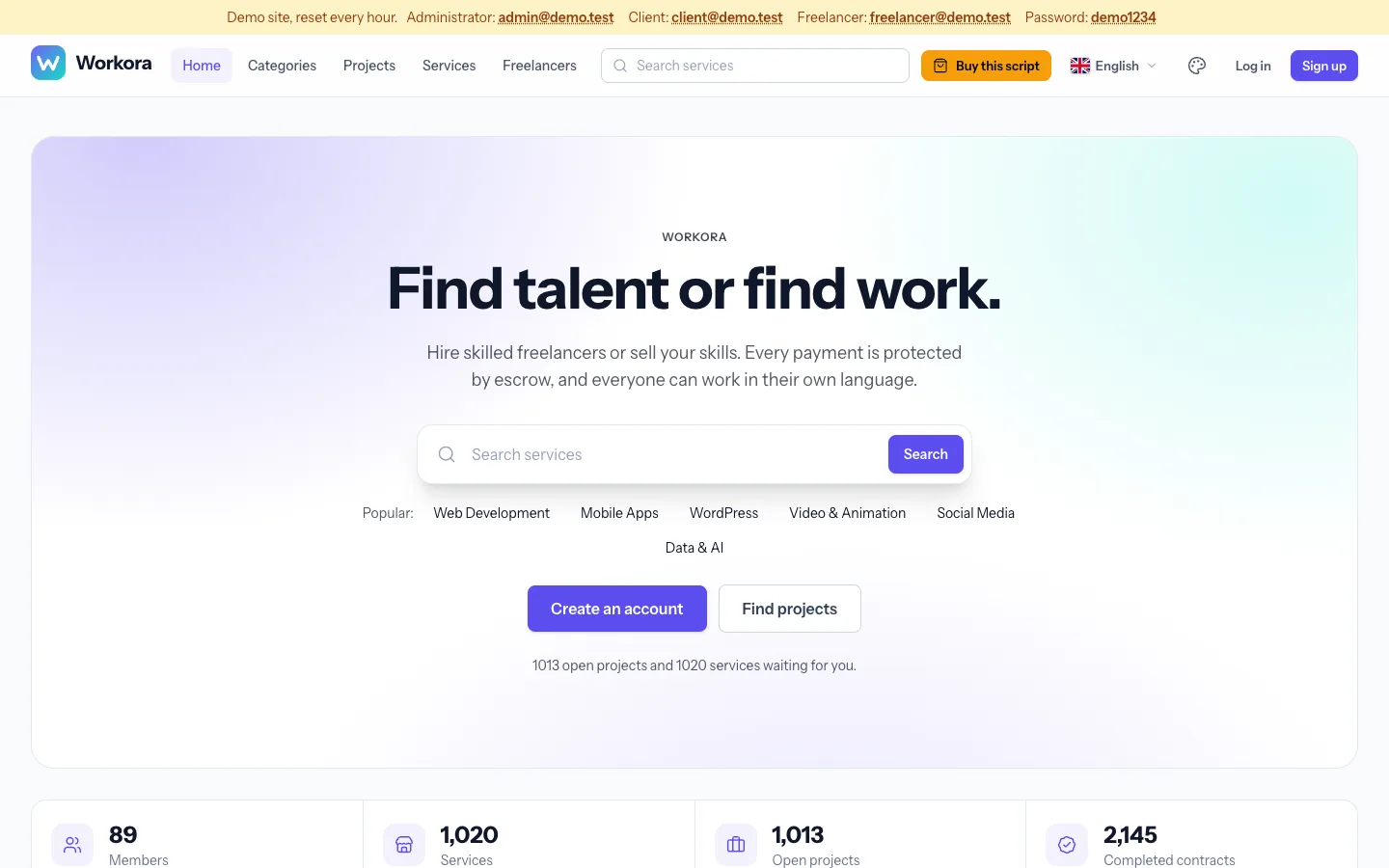
Workora is a complete freelance marketplace script for the web. Clients post projects and receive proposals, or buy ready-made services. Money moves through milestone escrow, members have wallets, and every payment is recorded in a double-entry ledger.
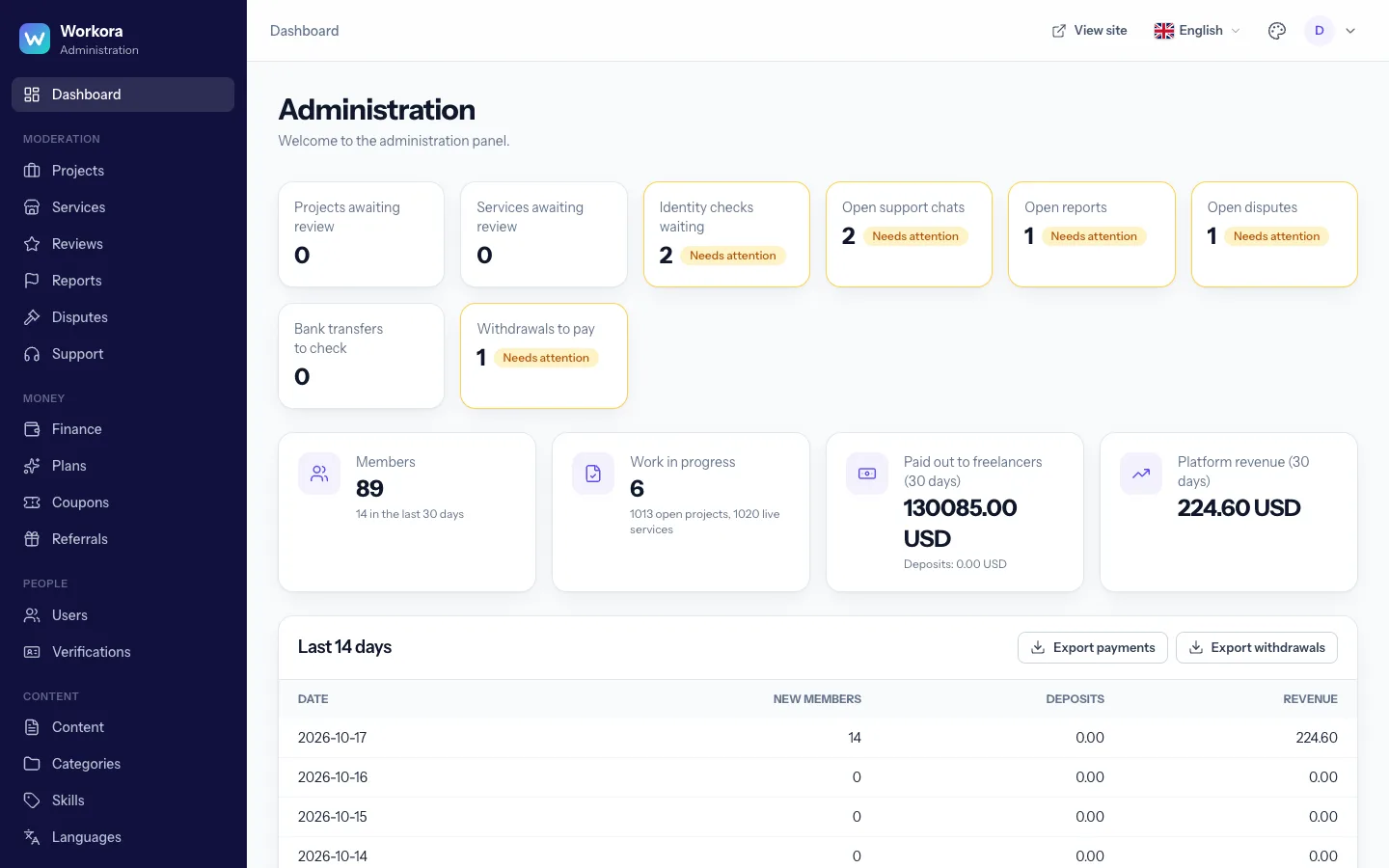
The product is version 1.0.0 and is built on Laravel 13. It has a public site, a member area and an administration panel, and ships in English and Arabic.
Requirements#
| Item | Needed |
|---|---|
| PHP | 8.4 or newer |
| PHP extensions | bcmath, ctype, curl, fileinfo, gd (with WebP), intl, mbstring, openssl, pdo_mysql, tokenizer, xml, zip. sodium is needed only for signed updates. |
| Database | MySQL 8.0+ or MariaDB 10.6+ (utf8mb4) |
| Web server | Apache, Nginx or LiteSpeed, with HTTPS |
| Cron | One entry that runs every minute |
You do not need Node.js or Composer on the server: the package ships with its dependencies and the compiled styles.
Installation#
- Upload the contents of the
1-Source/workorafolder to your server. The web root must point to thepublicfolder. - Create an empty MySQL database and a database user.
- Open
https://your-domain/installin a browser. The installer checks your server, then asks for the database, site name and address, time zone and your administrator account. - When it finishes it shows the cron line to add. Then sign in at
/loginand open/admin.
Command line (optional)
php artisan app:install \
  --db-name=workora --db-user=root --db-password=secret \
  --app-name="My Marketplace" --app-url=https://example.com \
  --admin-name="Admin" --admin-username=admin \
  --admin-email=admin@example.com --admin-password="a-strong-password"
Add --create-database to create the database, and --demo for sample data on demo sites only.
Cron job#
One entry runs everything: queued e-mails and notifications, contract auto-release, expiring projects, plan renewals, meeting reminders, review statistics, the nightly ledger check and backups.
* * * * * cd /path/to/workora && php artisan schedule:run >> /dev/null 2>&1The Health page in the admin panel shows whether the scheduler ran recently.
First steps#
- Settings → General: site name, tagline, base currency (choose it before launch), contact e-mail, default time zone and country.
- Appearance: theme, colours, logo, favicon, width, home page sections and the cookie notice.
- Languages: activate languages, set the default and check translations.
- Payments: enable gateways and set your commission, deposits and withdrawal rules.
- E-mail: configure SMTP and send a test message.
- Content: edit the pages, FAQ, blog and testimonials.
- Categories: adapt the 14 main and 125 sub-categories to your niche.
Payments#
In Settings → Payments enable any of these methods. Each shows the webhook address to register with the provider.
| Method | Notes |
|---|---|
| Stripe | Cards. Secret key and webhook signing secret. Webhook: /webhooks/stripe |
| PayPal | Sandbox or live; client ID, secret and webhook ID. Webhook: /webhooks/paypal |
| Paystack, Razorpay, Flutterwave | Keys and webhook secrets; webhooks under /webhooks/{gateway} |
| Bank transfer | Your account details; members upload proof and staff approve it |
Deposits have a minimum and maximum. Withdrawals use PayPal or bank details, with a minimum, an optional fee, an optional holding period and a limit of open requests.
E-mail#
Set Settings → E-mail to your SMTP server and send a test. Until then e-mails are written to the log. Notifications are queued; the cron job delivers them within a minute. Members choose which categories also reach their inbox in Notification settings.
Appearance and themes#
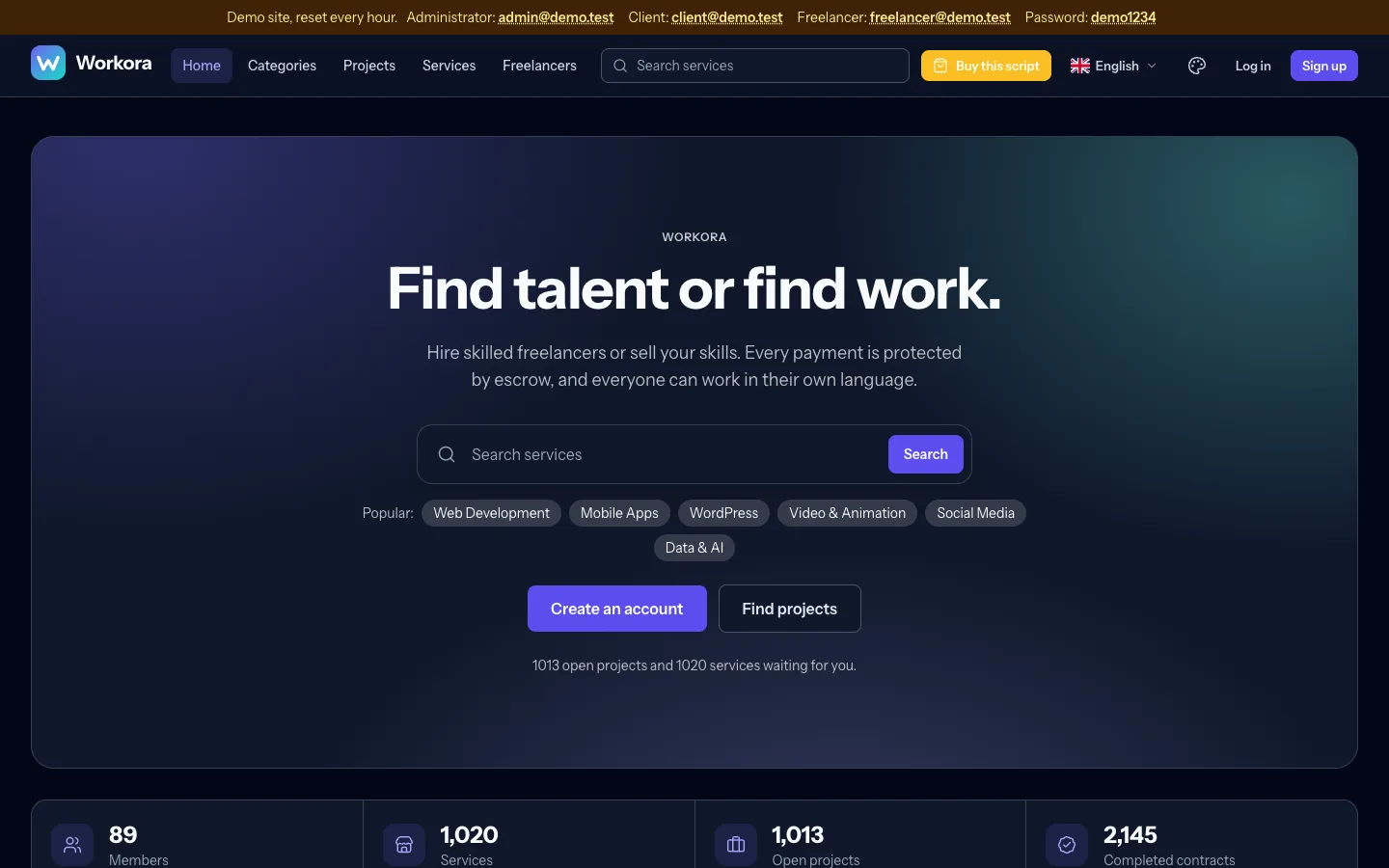
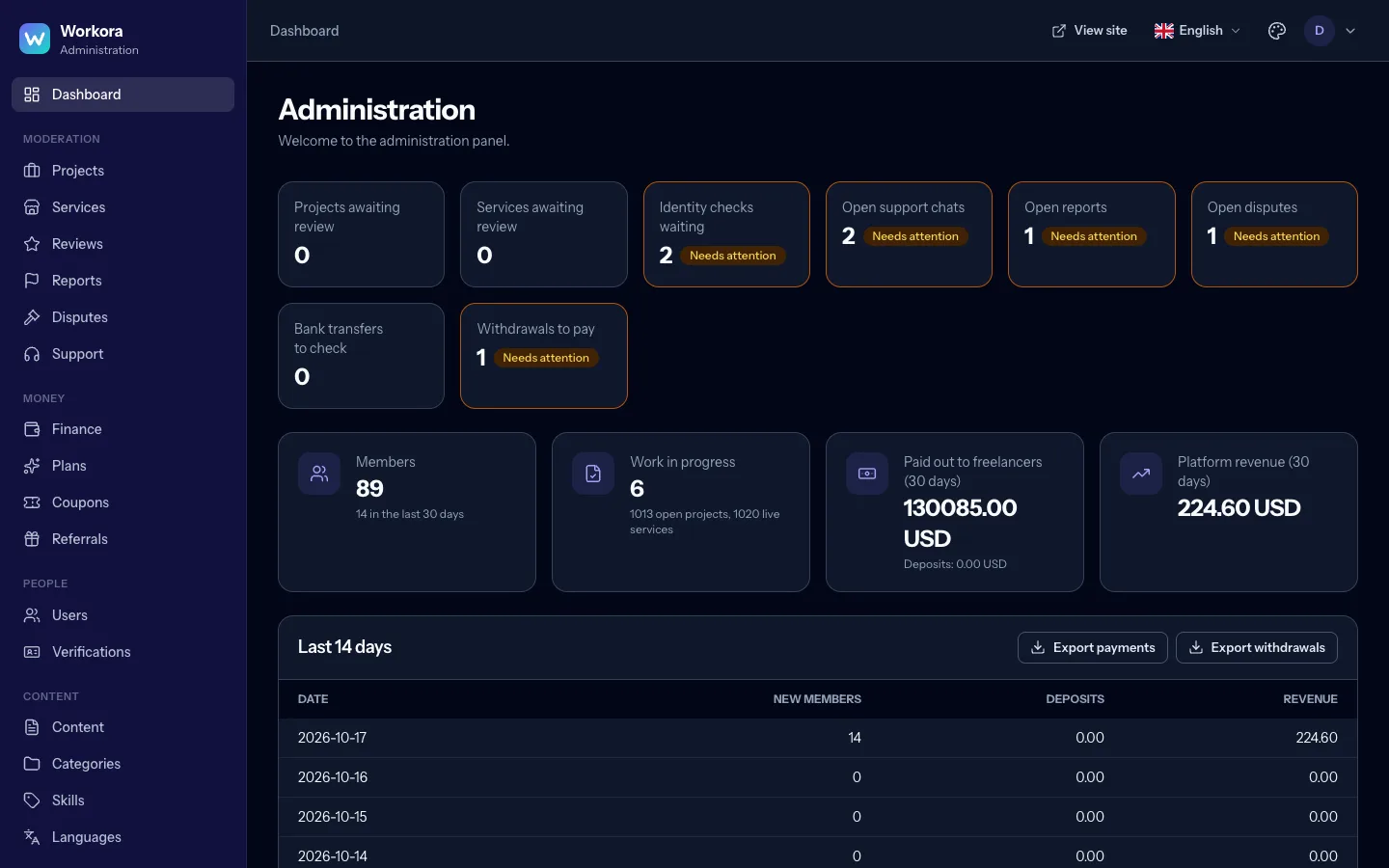
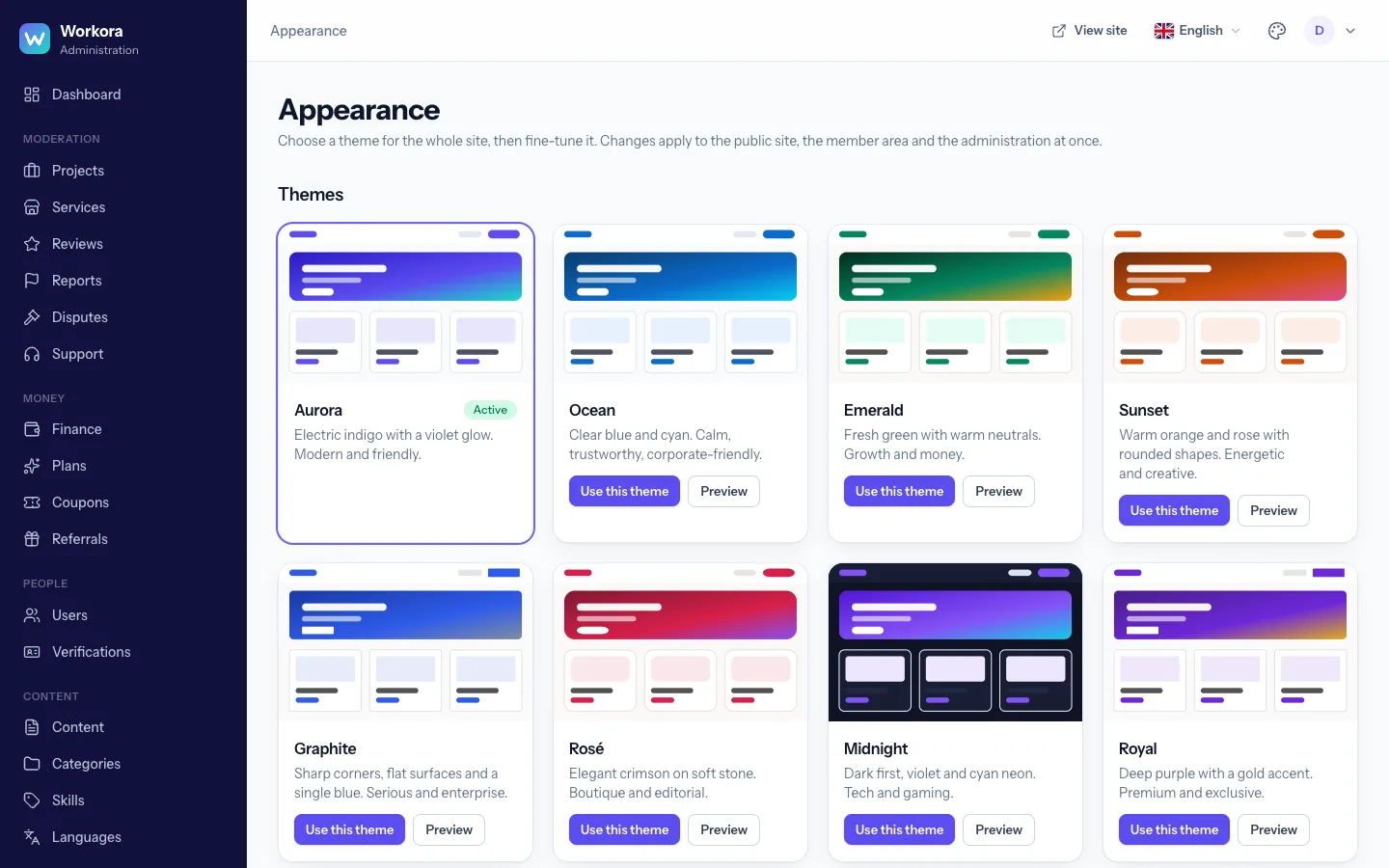
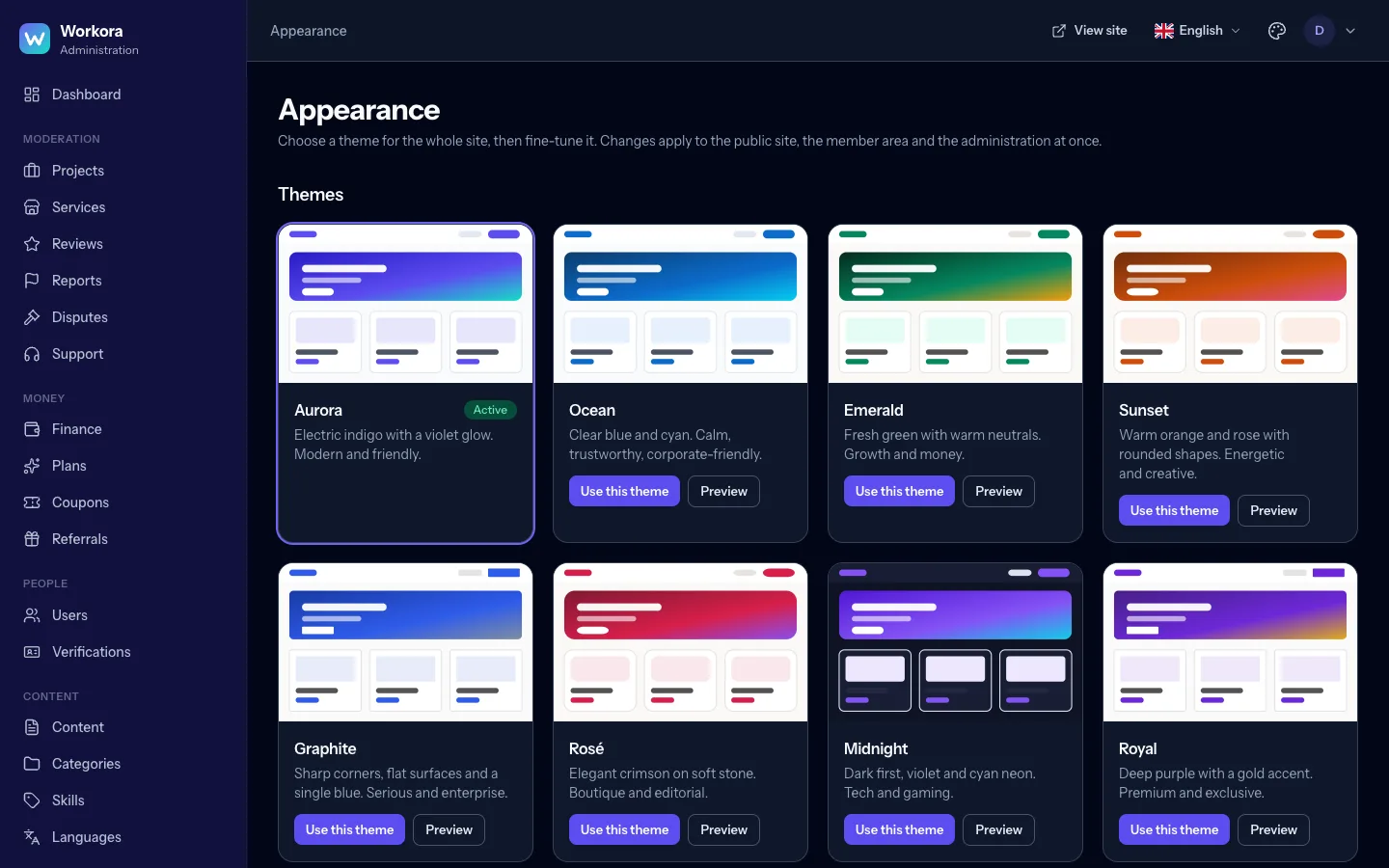
Administration → Appearance controls the whole look without code: one of eight themes, primary and accent colours, neutral palette, corner radius, font, shadows, hero style, sidebar style and colour mode (light, dark or automatic). Upload a logo (with a dark-mode variant) and a favicon.
Layout: choose a standard, wide or full page width and the card density. Home page: toggle sections (categories slider, figures, why choose us, top freelancers, projects, testimonials, banners), set how many category rows appear and whether they scroll or form a grid. Members can pick their own colour mode and, if you allow it, theme.
Languages and RTL#
Languages lists the active languages. Add one from a preset or by code, choose its direction and a flag, then open Translate to edit every text in a searchable table, import or export JSON files and see what is still untranslated. Category, skill, page, blog and FAQ content is translated in each item's own editor.
Right-to-left languages switch the whole layout automatically. Every language also has its own crawlable address (?lang=ar) with hreflang links and a multilingual sitemap.
How money works#
- The client funds a milestone from their wallet; the money moves into escrow.
- The freelancer delivers; the client approves (payment released minus commission), asks for changes, or opens a dispute. If the client does nothing, payment is released automatically after the configured days.
- Every movement is a balanced entry in the double-entry ledger. A nightly job proves wallets, escrow and revenue add up.
Commission
Set the platform percentage in Settings → Payments, an optional minimum fee per payment, a different percentage for any category and a lower rate on any plan. Priority: plan, then category, then the platform default. A contract keeps the rate it was created with.
Members and moderation#
Staff roles (administrator, moderator, finance, support) each see only what they need; staff accounts require two-factor authentication. Under Users you can search, suspend or ban members and assign roles. Projects and services can be reviewed before they go live; reviews and reports have their own queues; disputes are decided by staff with a recorded note.
Content and SEO#
Manage pages, the blog, FAQ and testimonials under Content, each translatable. Workora generates a sitemap with language alternates, canonical and Open Graph tags, structured data for services and robots rules. Public pages are fast and cache-friendly.
Plans, Connects and limits#
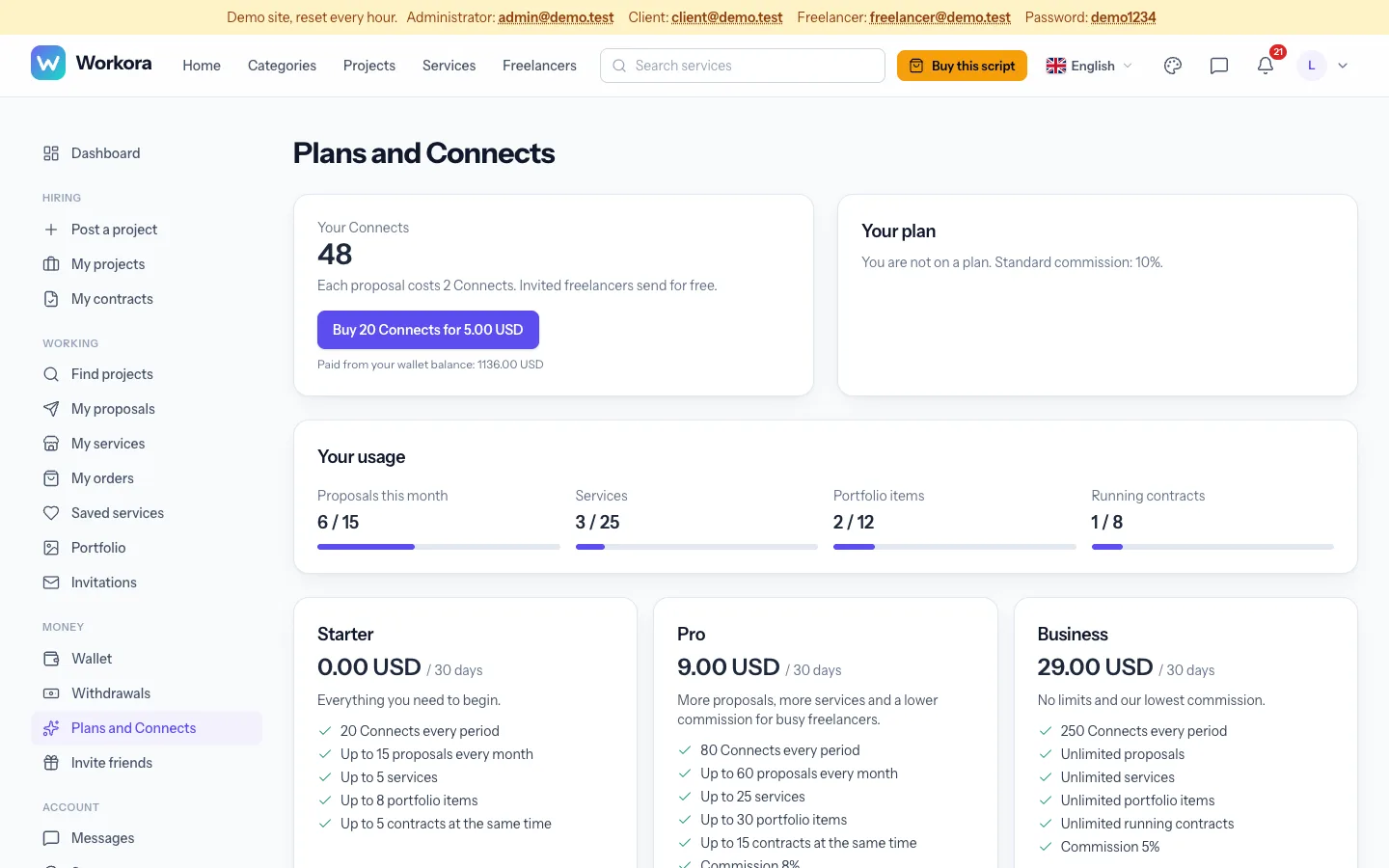
Three independent ways to earn and to control activity; use any or all of them:
- Connects: proposals cost points. Set the price per proposal, free points and the pack size and price.
- Plans: monthly subscriptions that grant Connects, lower the commission and change limits.
- Limits (Settings → Limits and plans): switch on any of proposals per day, week or month, number of services, portfolio items and contracts running at once. Members without a plan get the free numbers; each plan sets its own (0 means unlimited).
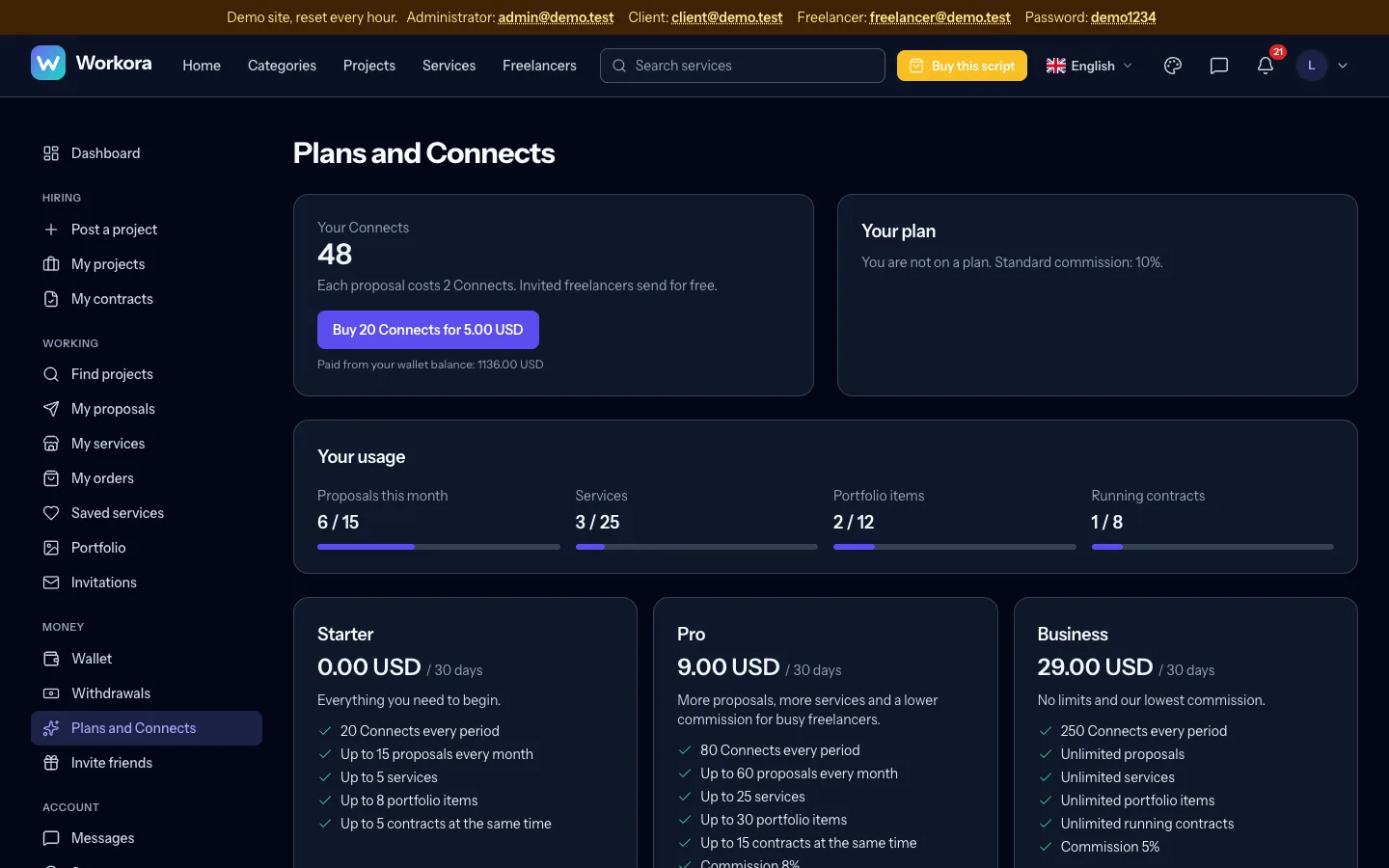
Members see their usage on the Plans page and are told when they reach a limit.
Profiles, portfolio and verification#
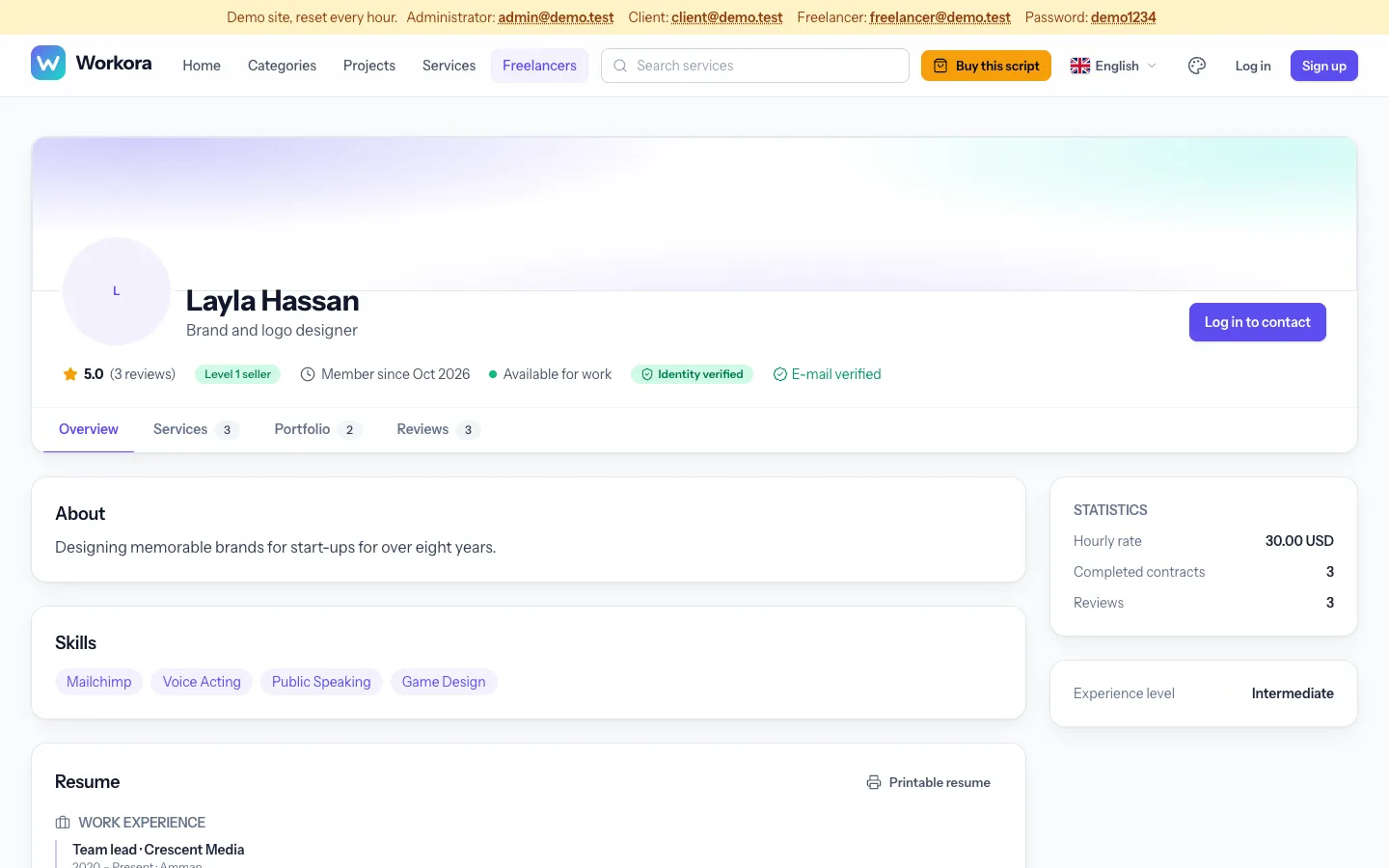
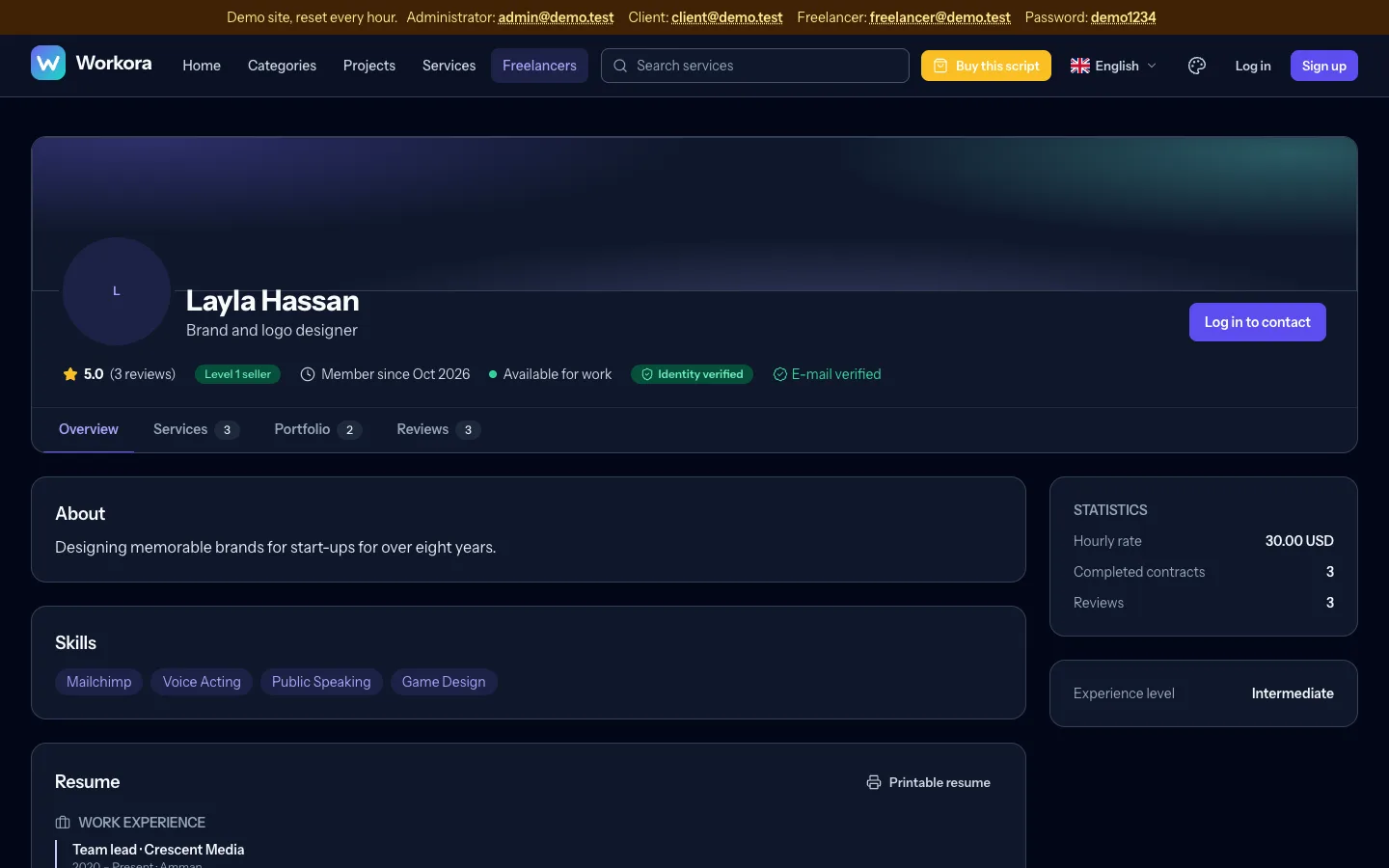
Freelancers build trust with a headline, skills, hourly rate, links, experience, education, certificates and languages (the Resume tab), a portfolio they can edit, hide, feature and reorder, and a printable resume at /u/username/resume. A profile-strength meter shows what is missing.
Verification: e-mail, profile picture and identity (passport, ID card or licence). Documents are re-encoded, kept on the private disk and visible only to staff under Administration → Verifications, where you approve or reject with a reason. Phone verification is shown as "coming soon". You can require a verified identity before the first withdrawal.
Messenger and meetings#
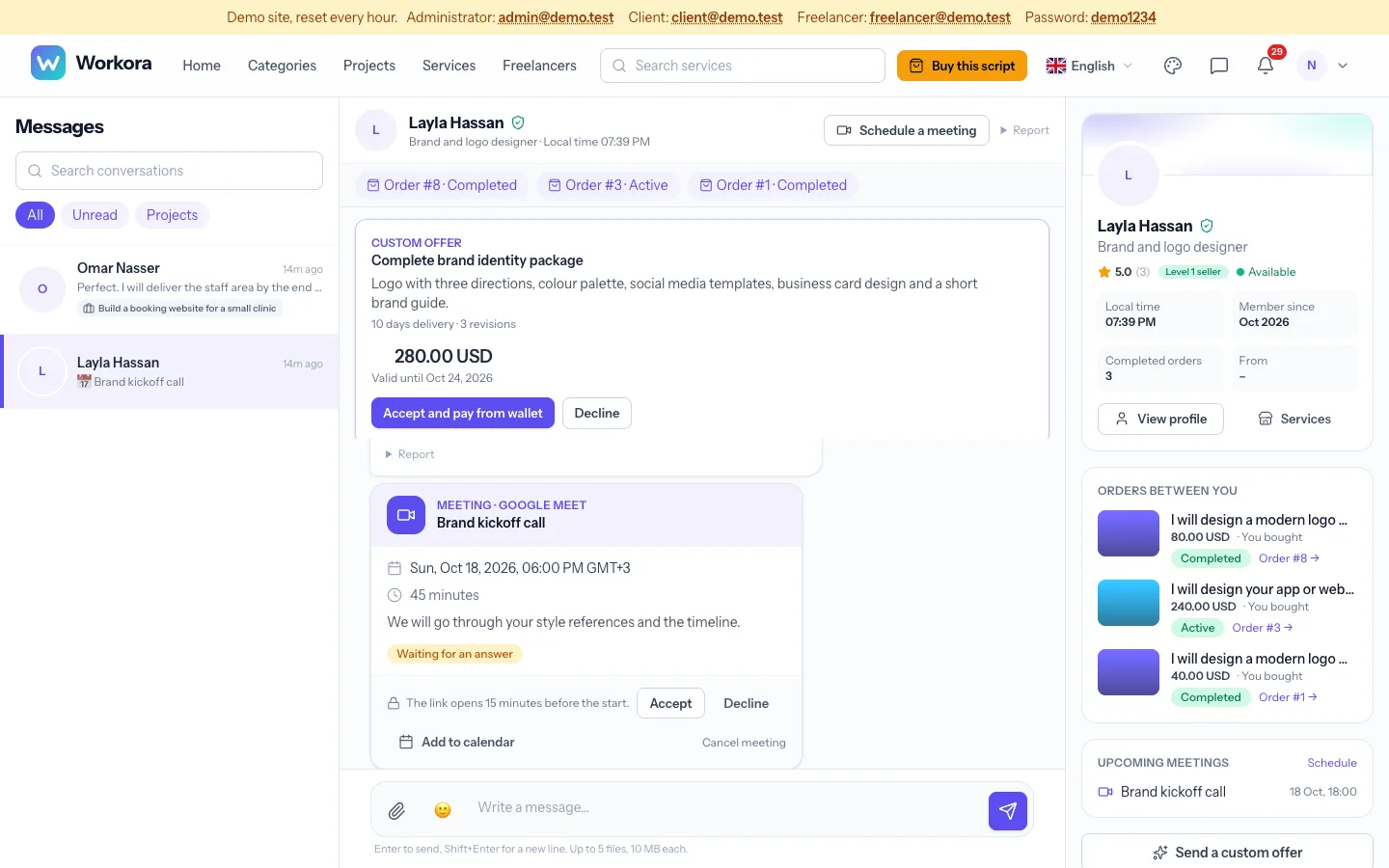
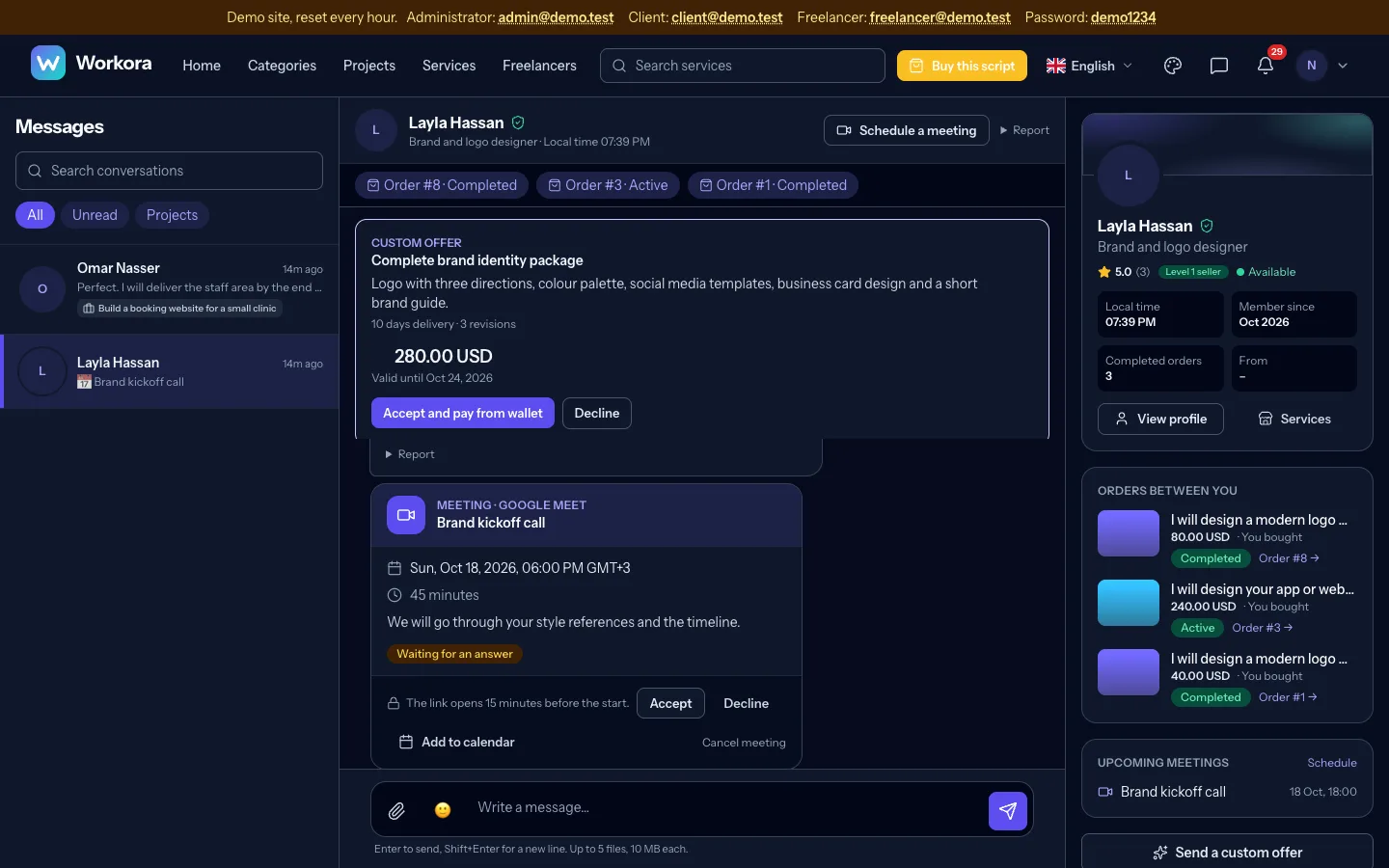
The messenger has a conversation list, the chat and a side panel with the other person, the project, orders, contracts, meetings and shared files, each linking to its page. Messages arrive live, show read receipts and support attachments. Before a contract exists, e-mail addresses, phone numbers and links are blocked to protect your commission (you can change this).
Meetings: either person can schedule a meeting: pick a time (shown in each person's own time zone), a duration and a link from Zoom, Google Meet, Teams, Webex, Jitsi, Whereby or Skype (or create a free Jitsi room). The invitation appears as a card with Accept, Decline, Add to calendar (.ics) and a Join button that opens 15 minutes before the start. Both people are reminded. In Settings → Messaging and files you can turn meetings off or allow any https link.
Support chat#
Members open Support to chat with your team; visitors use the contact form and get answers by e-mail. In Administration → Support you filter by status, topic, priority and assignee, assign conversations, write private notes, insert saved replies, and see first-reply time and member ratings. After a conversation is closed the member can rate the help.
Referrals, coupons and notifications#
Referrals are on by default: the inviter earns a bonus when an invited member completes a paid contract. Members get a share page with copy and social buttons, visit counts and results; set the bonus, a welcome gift and the minimum contract in Settings → Referrals, and see totals in Administration → Referrals. Coupons credit a wallet once per member, with limits and expiry.
Notifications have a bell menu, a centre with filters, read and unread toggles and deletion. Freelancers can set project alerts by category and keyword.
Installable app (PWA)#
The site publishes a manifest and a small service worker that caches only built CSS and JavaScript plus an offline page, never member pages. Phones offer Add to home screen, using your brand colour and name.
REST API#
A read-only JSON API is included. Switch it on in Settings → General. Members create tokens on their Security page (shown once, only a hash is stored, with optional expiry). Send Authorization: Bearer wk_...; each token is limited to 60 requests a minute. Money values are integers in minor units next to a currency code.
| Endpoint | Returns |
|---|---|
GET /api/v1/me | The token owner's profile |
GET /api/v1/categories | Categories with sub-categories |
GET /api/v1/gigs, /gigs/{id} | Live services (filters q, category) |
GET /api/v1/projects, /projects/{id} | Open public projects |
GET /api/v1/wallet, /orders, /contracts, /notifications | The owner's own records |
curl -H "Authorization: Bearer wk_your_token" https://your-site.example/api/v1/gigs?q=logoBackups and health#
A daily database backup and a weekly full backup (with files) run on schedule and are listed under Health, where you can also download them. The same page checks PHP, extensions, permissions, the scheduler, the queue, the ledger and disk space. Set the path to mysqldump in .env (BACKUP_MYSQLDUMP) if it is not on the server path.
Updating#
- Back up your database and files.
- Open Administration → Updates, upload the signed update package and review the summary.
- Apply it. Workora verifies the signature, copies the new files, runs migrations and clears caches. Your
.env, uploads and settings are kept.
On servers without the sodium extension you can update manually: upload the new files over the old ones, then run php artisan migrate --force and php artisan optimize:clear.
Demo data and demo site#
php artisan app:demo adds sample members, projects and services to any install; --full fills every sub-category. For a public demo set DEMO_MODE=true in .env and run php artisan demo:reset; cron resets it every hour. In demo mode a banner shows the demo accounts, a one-click sign-in appears and risky actions (settings, staff, updates, backups, real payments) are blocked. Set DEMO_PURCHASE_URL to show a "Buy" button.
Security checklist#
- Serve everything over HTTPS and keep
APP_DEBUG=false. - Keep the application folder outside the public web root, or deny access to it.
- Staff must use two-factor authentication.
- Keep
.envprivate and back it up separately. - Use a strong database password and restrict database access to the server.
- Install ClamAV and set
CLAMSCAN_PATHto scan every upload (optional). - Run
composer auditwhen you update dependencies.
Built in: a strict content security policy with nonces, rate limits on sensitive actions, private storage for documents and attachments, re-encoded images, an automated test that tries to reach other members' data, and Ed25519-signed updates.
Troubleshooting#
| Problem | Solution |
|---|---|
| Blank page or error 500 | Check storage/logs/laravel.log. Make sure storage and bootstrap/cache are writable and PHP is 8.4+. |
| "Your Composer dependencies require PHP 8.4" | Select PHP 8.4 for the domain in your hosting panel. |
| Styles are missing | The document root must be public, and its build folder must be uploaded. |
| Images from uploads are missing | Create the storage link: public/storage pointing to storage/app/public. |
| No e-mails arrive | Check SMTP settings and that the cron job runs every minute. |
| Uploads are rejected | Raise upload_max_filesize and post_max_size. |
| Payments stay pending | Check that the gateway's webhook address is registered and reachable. |
Support and licence#
Workora is sold on CodeCanyon. Support and updates follow the Envato item support policy, and covers installation help and bug reports; custom work is not included. A marketplace that charges members fees, commissions or subscriptions needs the Extended Licence. Third-party components are listed with their licences in the package.
No section matches your search.